




Reactions


Textomap launches new features to instantly generate embeddable maps
Textomap launches new features to instantly generate embeddable maps
was posted by Dario Raijman, Dana Raijman
in
News
,
Map
,
Startup
,
Blogging
,
AI
,
Itinerary
.
Featured on Nov 11, 2025 (10 months ago).
Rated
5/5
★
by 3 members.
Sharing is caring
QR Code


Welcome to Travel Massive!
Discover new ideas in travel and join our global community of innovators and thought leaders. Learn more.


 + 412 others joined this month
Comments
Dear Travel Massive community,
We have some great updates on Textomap we'd like to share with the community!
We’re super excited to introduce our latest feature:
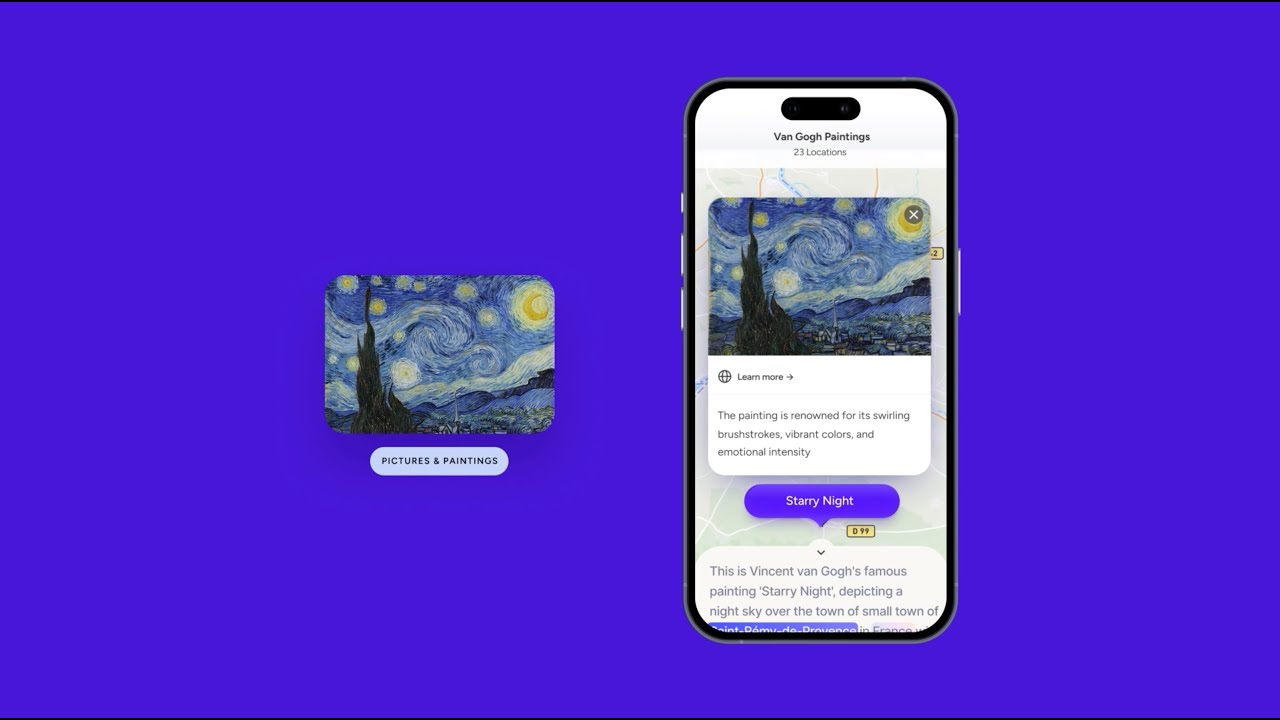
Create maps from images and photos that can be linked to a location!
✨ What you can do:
• Transform static itinerary maps into interactive ones with links, photos, and descriptions.
• Identify locations directly from photos.
• Explore and learn from historical maps, events, and even paintings!
Discover other powerful features like creating maps from text sources or using ChatGPT to generate maps automatically.
Check it now on textomap.com
Cheers,
Dario
Love this! So many awesome features available for bloggers now!
Thanks Jenn for the kind words!
Dario, As a mapping kinda guy, I really like this. There's just one thing: the dialog boxes are centered on the screen. It would be sooooo much better if I could move them to see the text it covers to spell Italian locations correctly.
Hi James,
Thanks for the feedback, we really appriciate. I'm assuming you're talking about mobile right? We'll have a look at it and to improve this! Cheers, Dario
No, I'm on a desktop. But when I want to add another location to the map, the box covers the right half of the text. I'd like to move it so that I could see all the text.
Updating here that we've enabled dialogues to be draggable as well :).